Keep it, upgrade it, or replace it?
Answer six questions for an instant, fair recommendation. If you want it checked, we turn it into a written plan that compares every option, 3CX included, without pushing one.
The options we compare.
Every written assessment covers all of them, with costs from real quotes, not list prices.
| Option | Good when | Watch out for |
|---|---|---|
| Keep and repair | Supported, stable, faults are one-offs | Hidden end-of-support dates |
| Upgrade in place | Hardware is fine, software is behind | Licence costs and handset compatibility |
| 3CX | You want ownership and flexible hosting | Sized by simultaneous calls, with edition limits |
| Microsoft Teams Phone | Staff already live in Teams | Per-user licences, reception and queue features |
| Hosted (8x8, RingCentral and others) | You want no on-site kit | Contract length and number porting |
Features and licensing change, so check each vendor's current terms.
Where is your system in its life?
Most on-site systems follow the same pattern. The right move depends on where the marker sits.
What does an hour without phones cost you?
Move the sliders. Your numbers, your estimate. Nothing is sent anywhere.
Doesn't include lost sales, missed calls or reputation. Compare it with the cost of support or replacement.
Get a costed assessment →Keep, upgrade or replace? The 60-second decision tree.
Three questions that settle most phone-system decisions. Save it for your next board meeting or contract renewal.
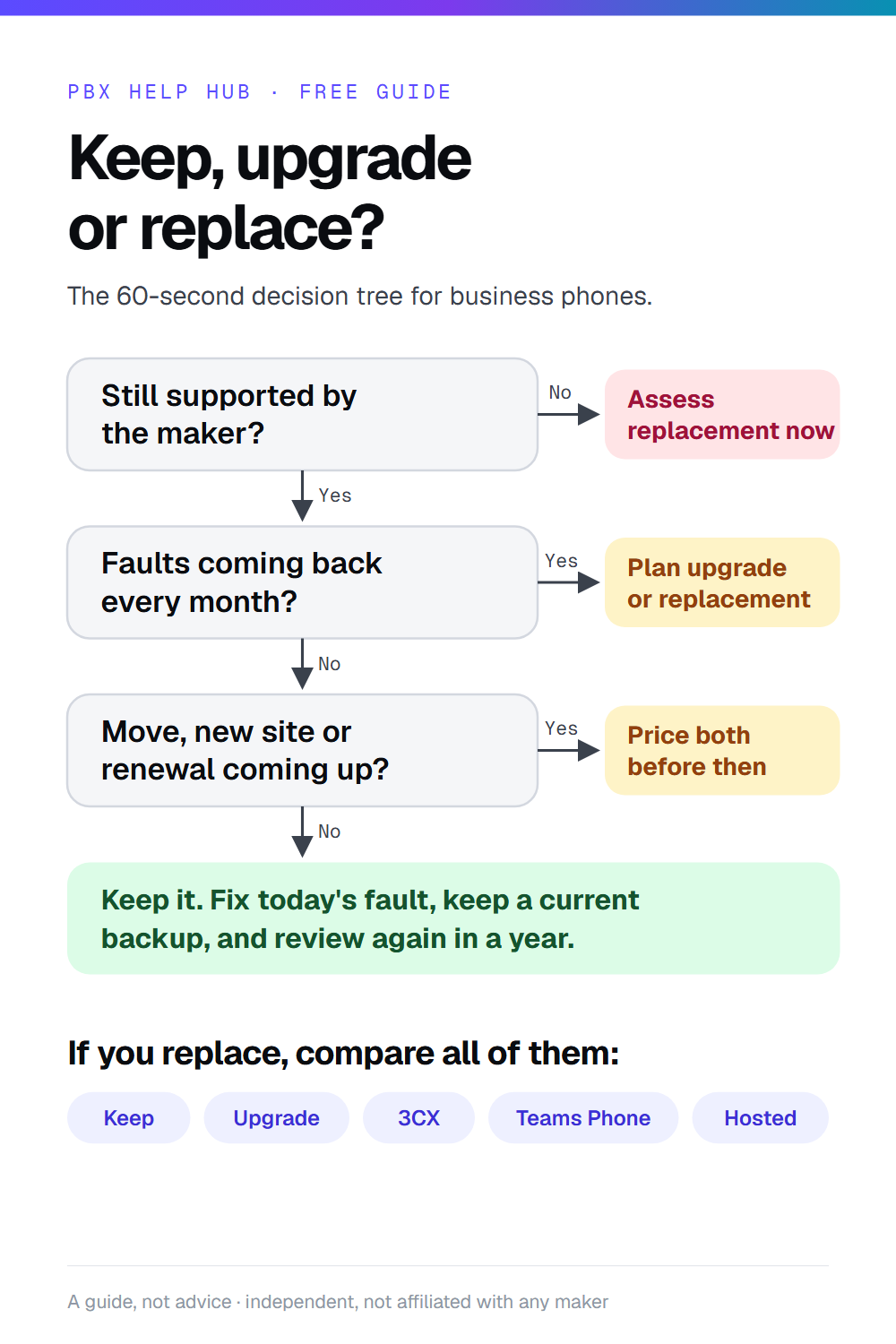
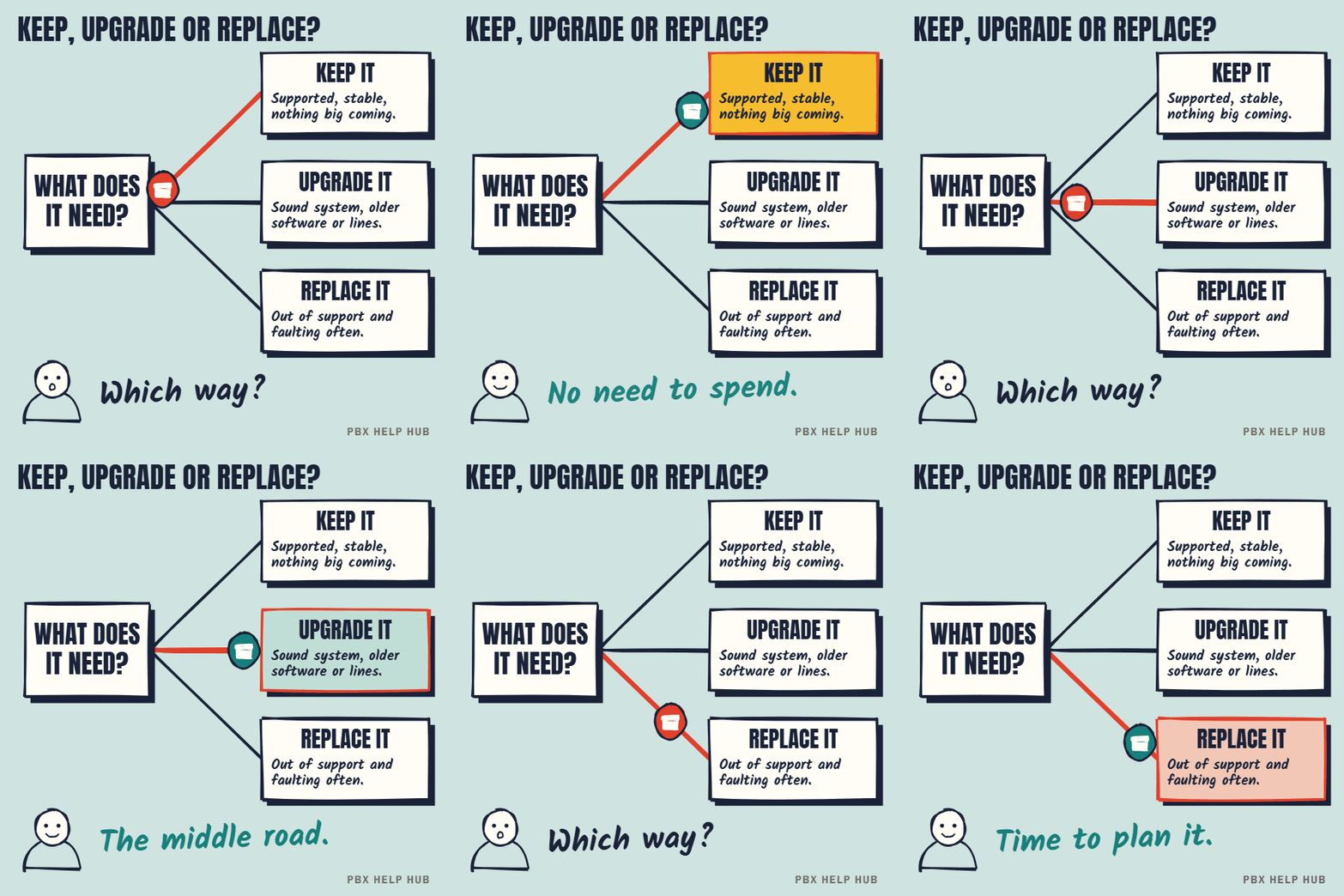
Keep, upgrade or replace?
Press a step to jump to it. Save the GIF to share it.
Get a plan you can take to the board.
Your answers above come with the request.
- Every option costed side by side
- Risks, timings and number porting
- A staged migration plan if you replace
We only use these details to reply to you. See our privacy policy. Your message opens in your own email app, so you can check it before you send it.