Support for the system you already have.
Installer gone quiet? Contract ending? Tell us about your existing Avaya, Mitel or 3CX system, and we'll reply with your options for support, and tell you honestly when it's time to move on.
Pick the level of cover.
Example plans. Scope and prices are agreed in writing first.
Break-fix
For small offices with a stable system.
- Remote diagnosis when something breaks
- Written finding after every fix
- Configuration backup check
- Proactive monitoring
- Agreed response times
Managed support
For busy offices that can't miss calls.
- Everything in break-fix
- Agreed response times
- Moves, adds and changes included
- Quarterly health check
- 24/7 monitoring
Managed + monitoring
For multi-site and critical lines.
- Everything in managed support
- Trunk and system monitoring
- Alerts before callers notice
- Lifecycle and replacement planning
- Named contact
Coverage to confirm with us.
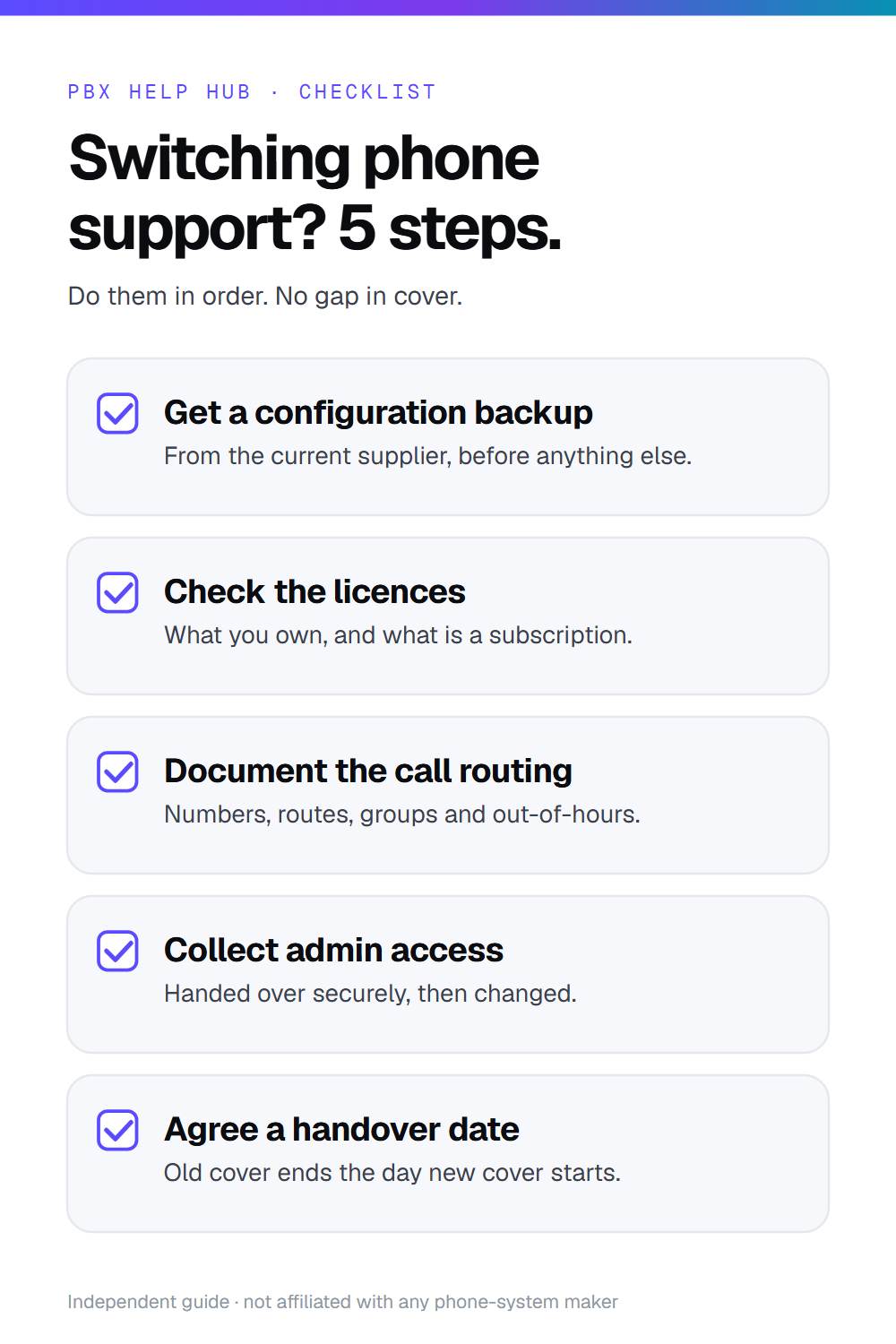
- We collect a configuration backup and check licences first.
- We document the call routing before changing anything.
- We agree a handover date so there's no gap in cover.
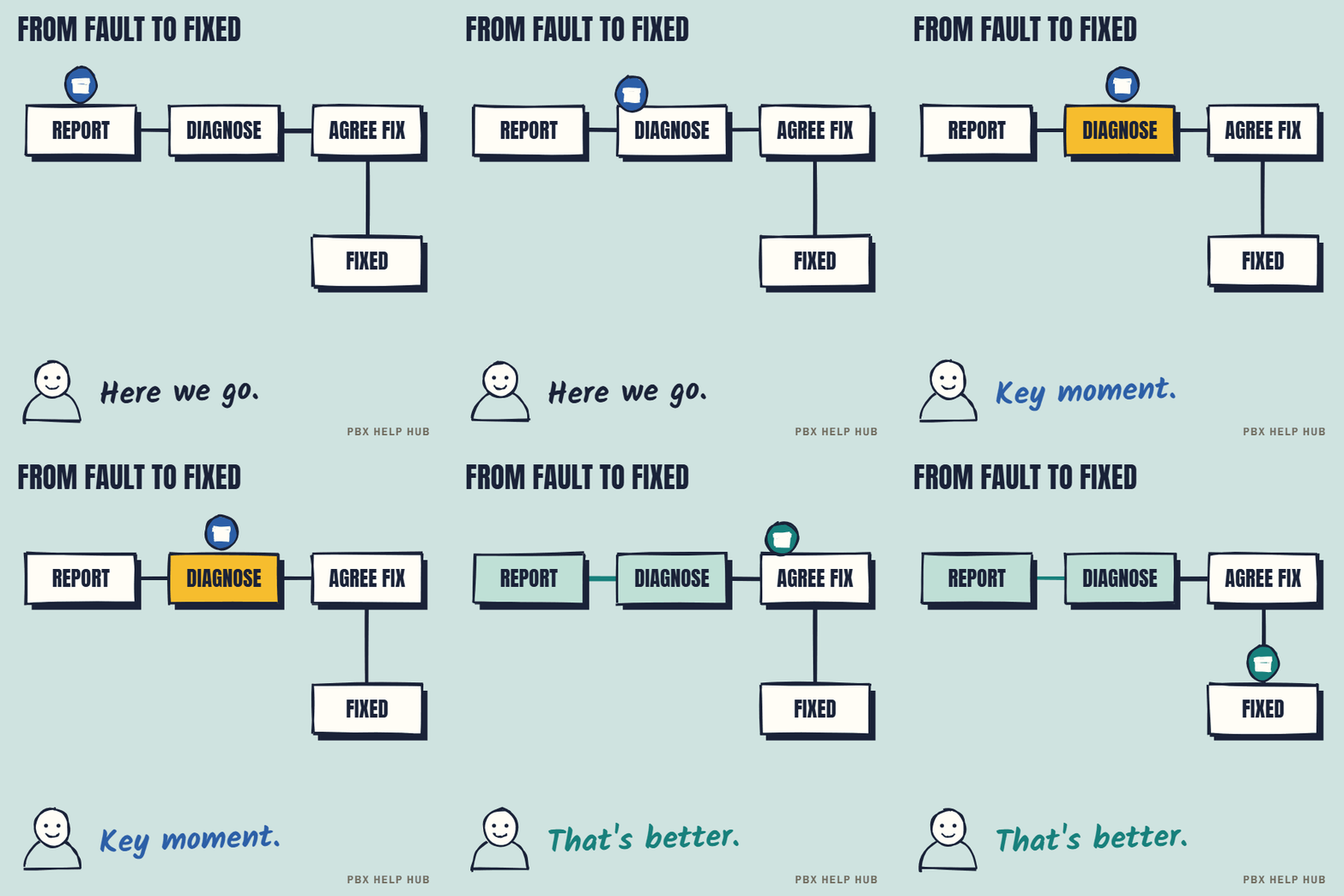
What happens when you call for help.
The same four steps on every plan. Response times depend on the plan you choose.
See what each plan covers.
Pick a plan and the parts it covers light up.
Example scope. Real cover comes from us.
Switching phone support: the 5-step handover checklist.
Do these in order and there's no gap in cover. Share it with whoever signs the contract.
Questions about support
Can you support a system someone else installed?
Usually, yes. We start by collecting a backup and checking licences, then confirm what we can cover.
Will you try to sell us a new system?
No. If replacement is the right call, we'll say why and compare options fairly. Many systems run well for years with good support.
What if our system is out of support from the maker?
We can often still help, but parts and fixes get harder. We'll tell you the risks plainly.
From fault to fixed
Press a step to jump to it. Save the GIF to share it.
Tell us about your system.
We reply by email.
We only use these details to reply to you. See our privacy policy. Your message opens in your own email app, so you can check it before you send it.