Avaya IP Office
Avaya IP Office is one of the most common small and mid-sized business phone systems in the UK. Many "it's broken" reports turn out to be routing: a call follows a rule nobody expected. These guides find which rule, safely, before anything is changed.
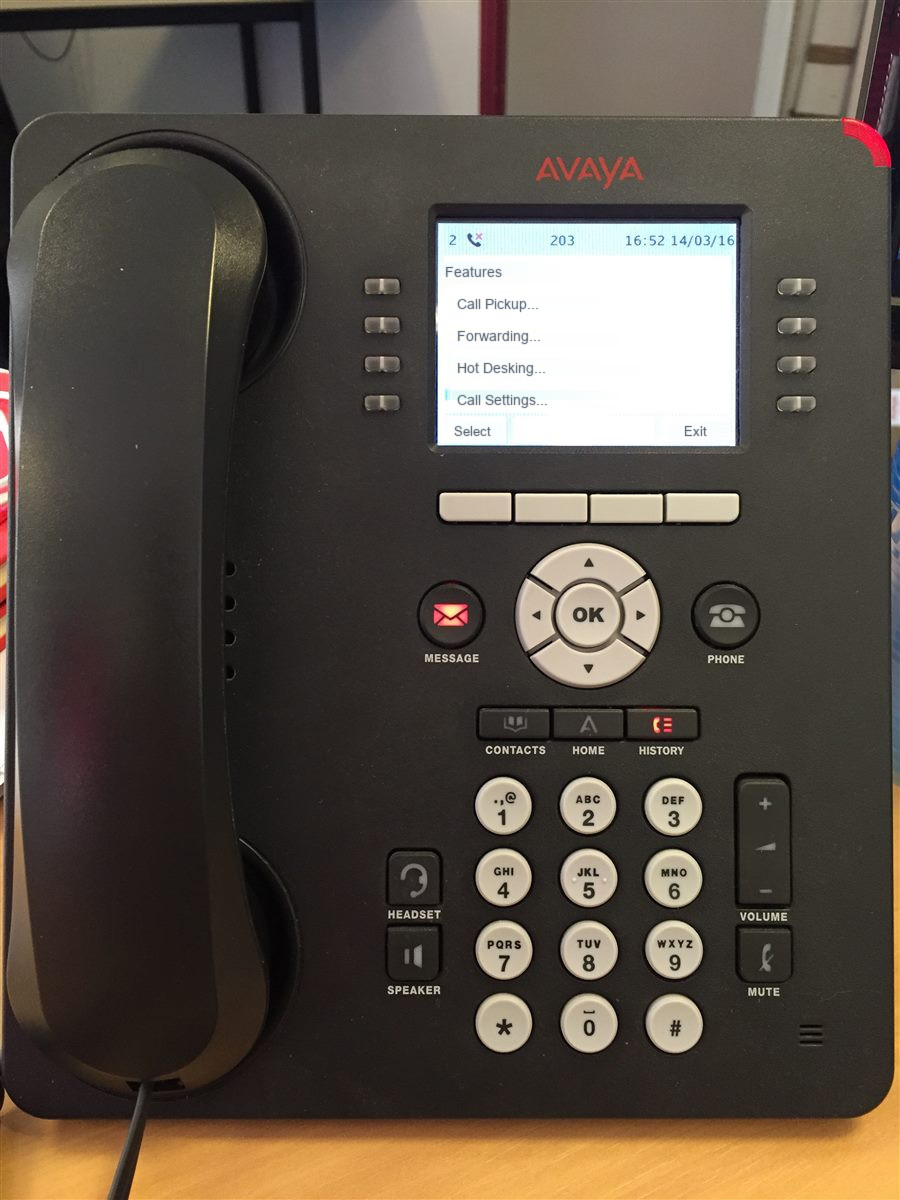
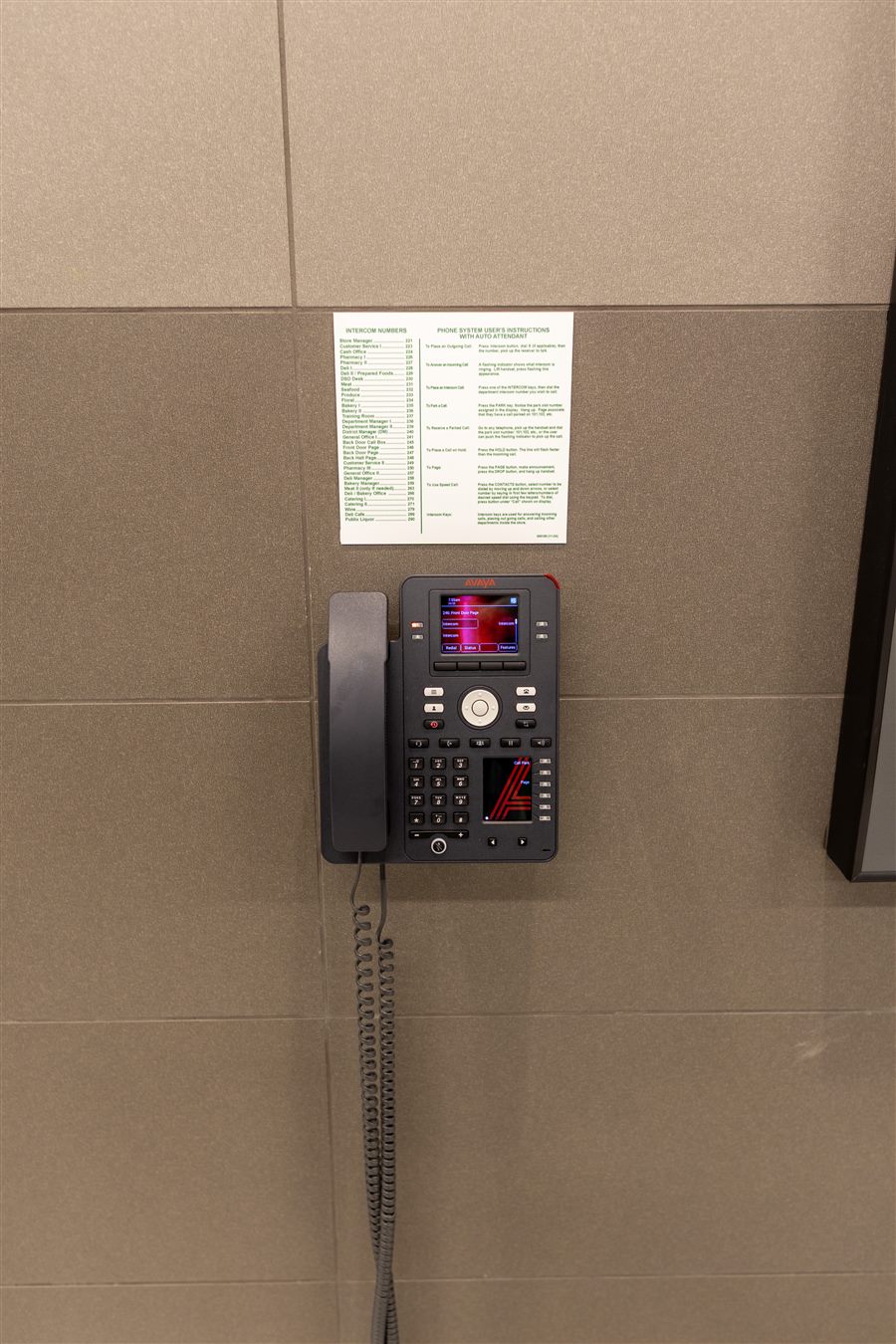
New here? Start with Calls not reaching the right people. If you're deciding whether to keep the system, read IP Office 500 V2: support status and options for UK owners and Repair, upgrade or replace your IP Office?.
Avaya IP Office faults usually come from settings, not hardware, so these guides start with what callers experience and work back to the rule that caused it. Routing guides cover incoming call routes, hunt groups, time profiles, voicemail and menus. Line guides cover SIP trunks, one-way audio and dropped calls. Handset guides help you identify your phone and fix start-up problems.
If you're weighing up the system's future, the lifecycle guides explain what the IP500 V2 support status means, how to look inside the configuration safely, and how to compare keeping, upgrading and replacing on fair terms. Every guide names the stage of the call path it covers, so you can move between them easily.
How a call travels through IP Office
Press a stage, or let it play. Each one links to the guide for that part of the call.
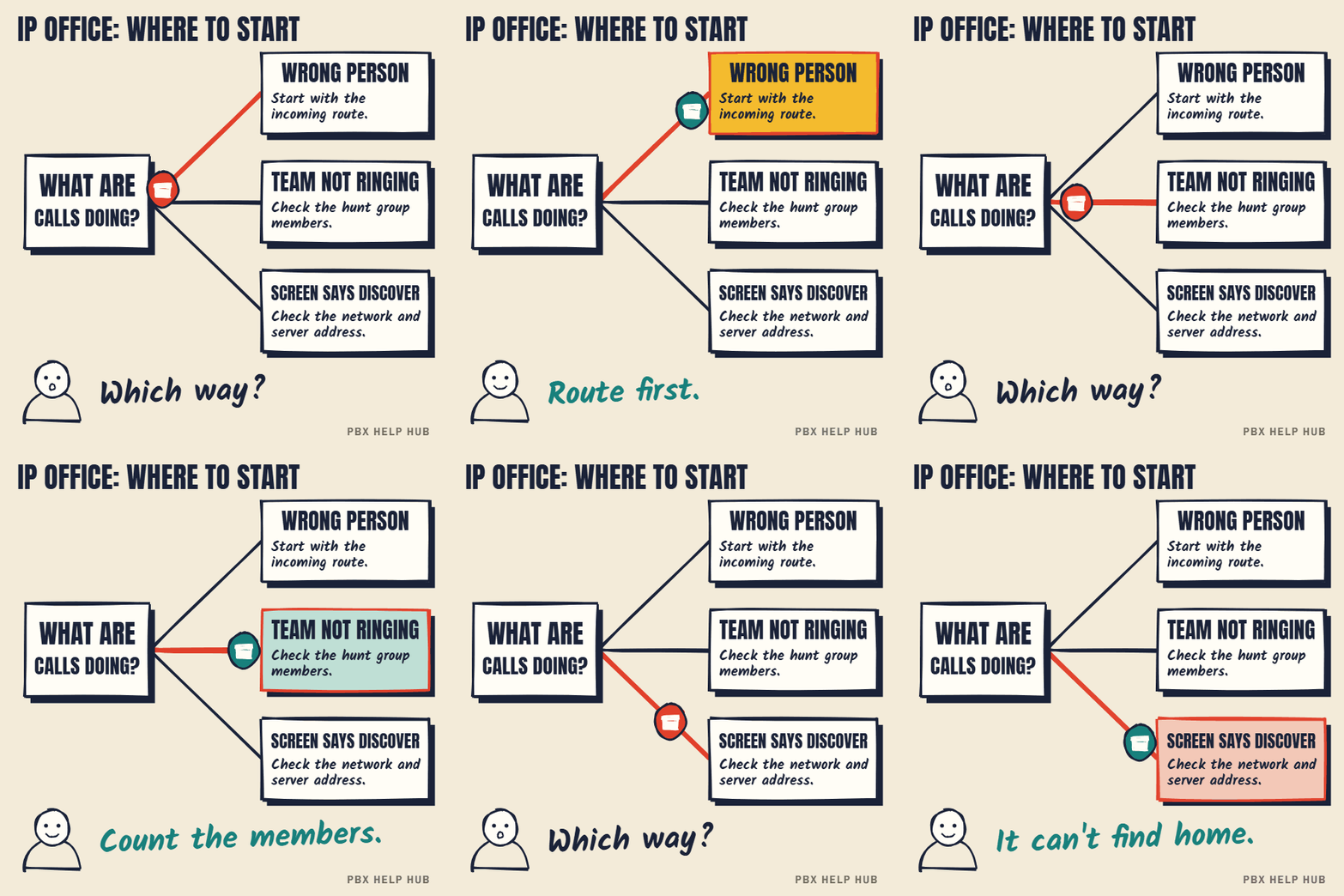
IP Office: where to start
Press a step to jump to it. Save the GIF to share it.
IP Office: call routing
IP Office: lines and call quality
Avaya phones and handsets
IP Office: lifecycle and decisions
Free infographics for this topic
One-page summaries of each guide, free to print, pin or share with credit. Click one to open its guide, where you can download the PNG.


