What a time profile contains
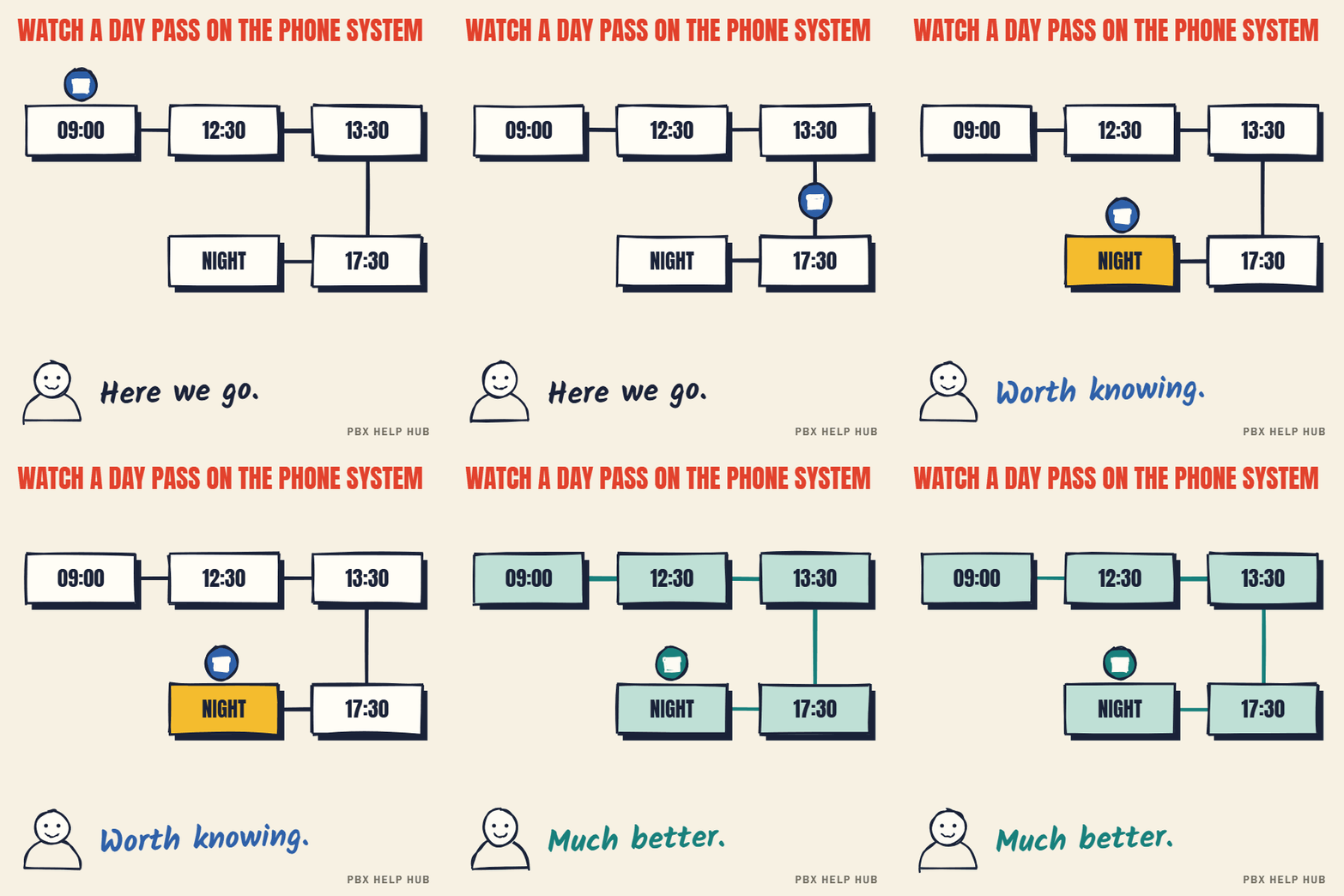
- Days and hours, such as Monday to Friday, 09:00 to 17:30.
- Specific dates, such as bank holidays and office closures.
- Sometimes, separate entries for lunchtime cover.
Where it's used
A time profile can be attached to an incoming call route, to switch its destination, or to a hunt group, to switch it into night service. The same profile can be used in several places, which is why deleting one can break things elsewhere.
Many systems need bank holidays adding each year. If calls went to staff on 25 December, check the profile's dates. See Night service or time profile not switching.
Lunch cover and split shifts
Time profiles can include more than one period per day, which is how lunch cover and split shifts are handled. A profile might be 09:00–12:30 and 13:30–17:30, sending calls to voicemail or another team over lunch. If calls go wrong exactly at lunchtime, check whether the profile has a gap, and whether that gap is intended.
Several profiles on one system
Most systems have more than one time profile, because teams keep different hours. Sales might close at 17:30, support at 20:00, and the out-of-hours line might never close. Each route or group points at the profile that matches its hours. When hours change for one team, change its profile, not a shared one, or other teams change too.
| Profile | Used by | Hours |
|---|---|---|
| Office hours | Main number, reception | Mon–Fri 09:00–17:30 |
| Support hours | Support line and group | Mon–Fri 08:00–20:00 |
| Bank holidays | All of the above | Closed on listed dates |
Example layout only.
Automatic versus manual switching
Automatic switching follows the profile every day; manual switching depends on someone remembering. Manual switching is useful for unplanned closures, but on IP Office it should not be combined with a time profile. A group with no time profile that is stuck in night service was probably set by hand. If the group has a profile, check the clock and the profile first. See Night service or time profile not switching.
Your time profile checklist
- List each profile and which numbers or groups use it.
- Check the hours match each team's real hours.
- Add this year's bank holidays and planned closures.
- Confirm the system clock is right.
- Agree who may switch night service by hand.
Common questions
What is a time profile on a phone system?
A schedule telling the system when it's in hours: days, times and specific dates.
What is night service?
The out-of-hours mode for a group or route, sending calls to an out-of-hours destination.
Why didn't night service switch off?
It was probably switched on by hand and left on. If the group has a time profile, check the clock and the profile as well.
Do phone systems know about bank holidays?
Usually only if someone adds the dates to the time profile, often every year.
Sources
Last checked 9 November 2026 against the sources listed here. Menus and defaults can differ by software release, so confirm them on your own system. Spotted a mistake? Tell us.