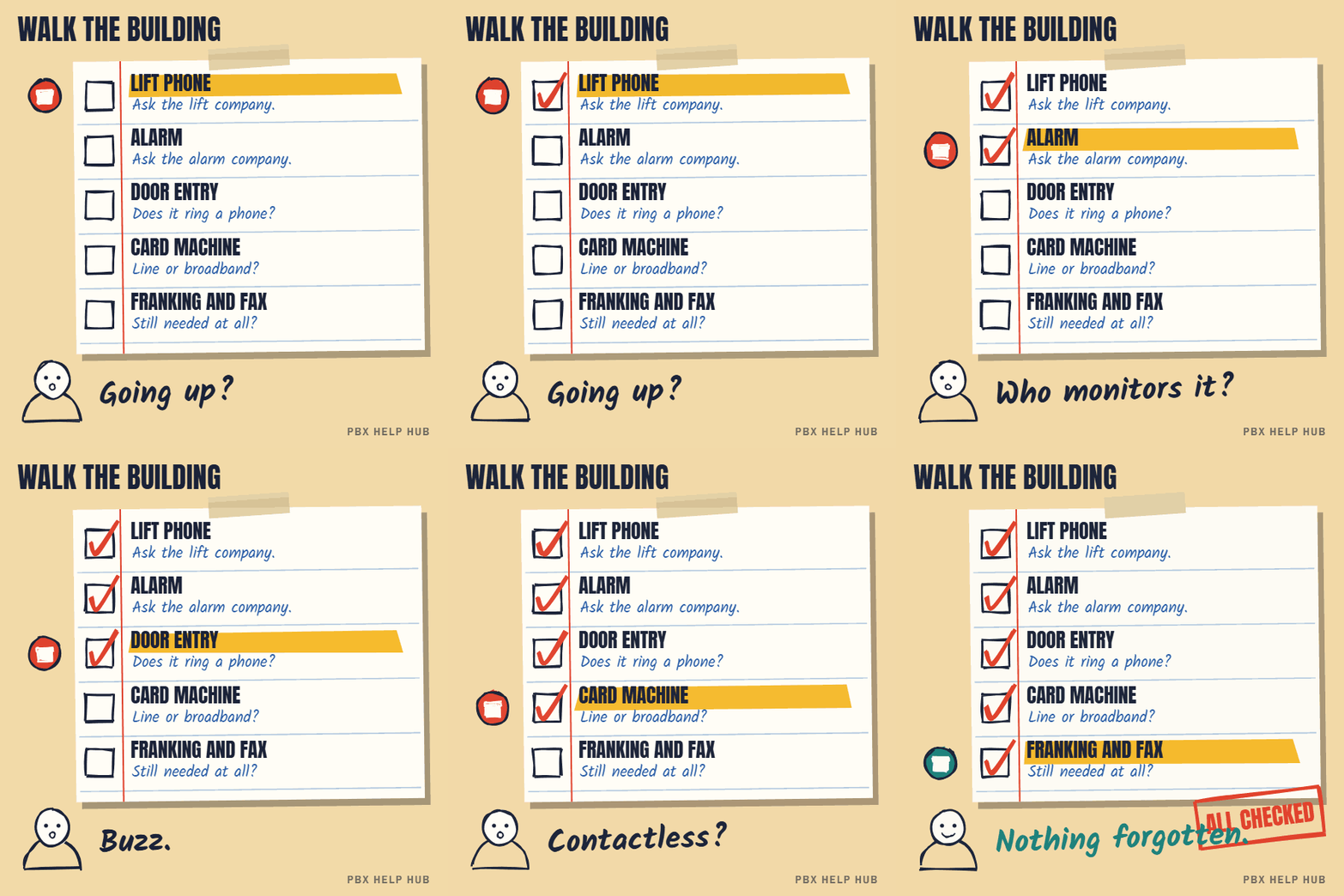
Nothing ticked yet. Walk the building with the list above: plant rooms, lifts, reception and the comms cabinet.
0 item(s) to check. Ask each supplier whether the device works on a digital line, and when it needs changing. Note the line number each one uses.
0 item(s) to check, including safety equipment. Contact the suppliers of safety items first: lifts and alarms must keep working through the change. Don't wait for your line to be moved.
you can't identify what a line is used for. Don't cancel it until you know. See Escalate safely: when to stop and call an engineer.
Why safety equipment comes first
Lift emergency phones, alarm signalling and telecare must keep working through the switch-off, so contact their suppliers before anything else. Some devices need an upgrade, a different connection or a new service. If one stops without warning, the problem may not be noticed until it's needed. Ask each supplier for a written plan and a date.
How to find every line
Most organisations have more lines than they think, so do a short walk-round and ask your provider for a list.
- Plant rooms and lift motor rooms: lift lines, building management.
- Reception and entrances: door entry, gate intercoms.
- Comms cabinet: alarm diallers, line boxes, old modems.
- Tills and back offices: card terminals, franking machines, fax.
- Provider's bill: every line you pay for, including ones nobody recognises.
Questions to ask each supplier
- Does this device work on a digital line?
- If not, what replaces it, and what does it cost?
- How long will the change take?
- Who arranges it, and when?
- How will we know it's working afterwards?
Don't cancel unknown lines
A line nobody recognises may be the one your alarm or lift uses. Before cancelling, ask your provider what the line connects to, and test with the relevant supplier. See Escalate safely: when to stop and call an engineer if you find a safety line you can't identify.
Common questions
Will my alarm work after the PSTN switch-off?
Only if it supports a digital line or another connection. Ask your alarm company before your line moves.
What happens to lift emergency phones?
Many use copper lines and need upgrading or a different connection. Contact your lift maintenance company early.
Will my card machine still work?
Older card terminals on phone lines may stop. Most can move to broadband or mobile data; ask your payment provider.
How do I find out what a line is used for?
Walk the building, check plant rooms, lifts and comms cabinets, and ask your phone provider for a list of lines.
Sources
Last checked 9 November 2026 against the sources listed here. Menus and defaults can differ by software release, so confirm them on your own system. Spotted a mistake? Tell us.