Safe habits
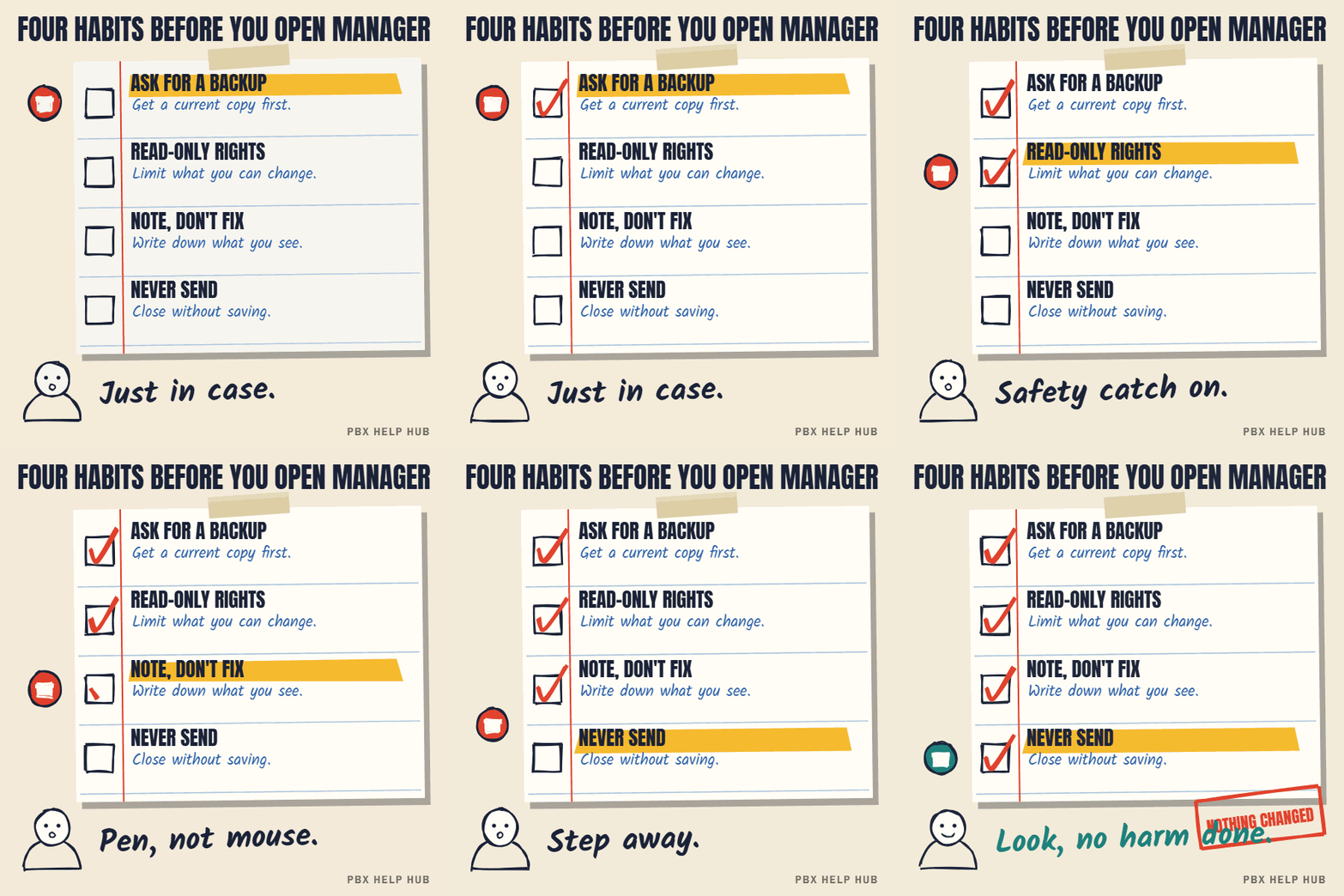
- Take a backup before you open anything, even just to look.
- Use an account with read-only rights if your installer has set one up.
- Make no changes, and answer no to anything offering to send, merge or update the system. If you're not sure what a prompt means, cancel and ask.
- Write down what you find, rather than fixing it on the spot.
What to look at for common faults
| Fault | Look at | Guide |
|---|---|---|
| Wrong person rings | Incoming call routes | Incoming call routes: how matching and fallback work |
| Team doesn't ring | Hunt group members and mode | Hunt group not ringing, or ringing the wrong people |
| Out-of-hours problems | Time profiles | Night service or time profile not switching |
| Voicemail too soon | User and group no-answer times | Calls going to voicemail too soon or at the wrong time |
Don't save, merge or send a configuration. Some changes take effect immediately, and some restart the system and drop every call.
What IP Office Manager is, and isn't
IP Office Manager is the configuration tool for Avaya IP Office: it opens the system's settings, lets you change them, and sends the changes back. It isn't a monitoring tool: to watch calls or line status, IP Office has separate read-only tools such as the System Status Application. Many faults are found faster with monitoring than by reading settings, so use both.
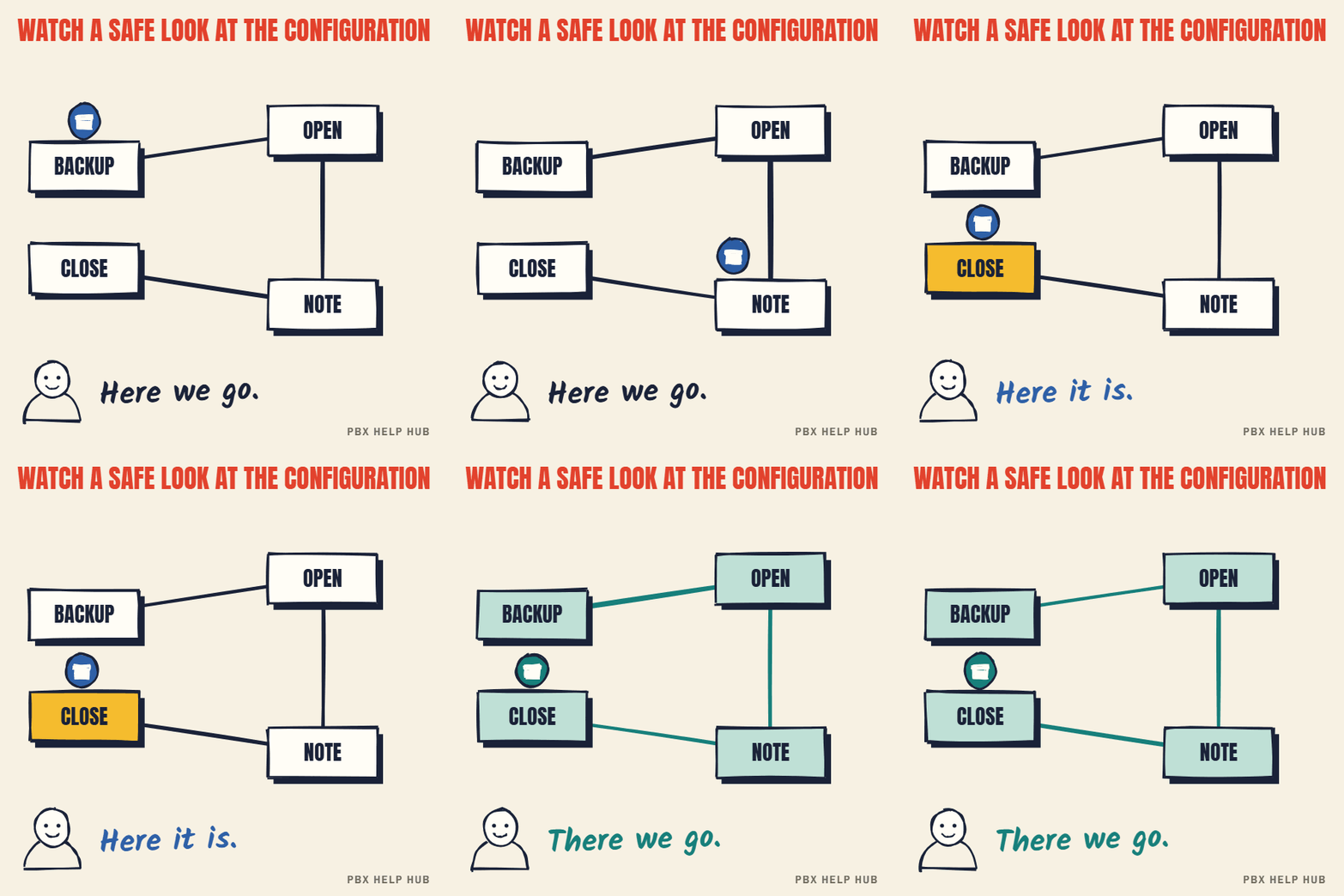
A safe way to look
- Take a backup of the configuration and store it off the system.
- Open the configuration with an account limited to what you need, if one exists.
- Find the area for your fault: routes, groups, users or time profiles.
- Write down what you see: names, numbers, destinations, timers.
- Close without saving. If asked to send or merge changes, say no.
Why sending changes is risky
Some IP Office changes apply immediately, and some require the system to restart, which drops every call in progress. Manager usually warns you, but a warning is easy to click through in a hurry. That's why the rule is simple: if you're investigating, don't send anything. If a change is needed, plan it for a quiet time, with a backup, ideally with your maintainer.
Where to look for each fault
| Area in the configuration | Faults it explains | Guide |
|---|---|---|
| Incoming call routes | Numbers going to the wrong place | Incoming call routes: how matching and fallback work |
| Hunt groups | Team phones not ringing | Hunt group not ringing, or ringing the wrong people |
| Time profiles | Out-of-hours problems | Night service or time profile not switching |
| Users | Forwarding, DND, voicemail timers | How to forward calls on an Avaya desk phone |
| Auto attendant | Menu sending callers the wrong way | Auto attendant sends callers to the wrong place |
| Lines | Trunk and channel settings: look only | SIP trunk down or not registering |
Access and security
Configuration access gives control over every call in the business, so treat the login like a key to the building. Use individual accounts rather than a shared password, remove access when people leave, and never share credentials by email. If a former supplier still has access, ask your current maintainer to review it.
How to take a backup in IP Office Manager
- To save a copy, open the configuration, then choose File, Save Configuration As, and store the file away from the system.
- To restore it, open that file and use File, Offline, Send Config. Expect a restart, which drops every call.
- Keep the automatic copy on. The Backup File on Send option under File, Preferences, Security controls whether Manager keeps a copy when it sends a configuration.
Sources: BT: back up and restore your IP Office ↗
Common questions
Is IP Office Manager safe to use?
Looking is safe if you never save, merge or send the configuration. The risk comes from sending changes back to the live system.
Can I get read-only access to IP Office?
Your installer may be able to set up an account with limited rights. Ask them.
Will changing a setting restart the phone system?
Some changes can restart the system and drop every call. Manager usually warns you, but don't rely on it: don't send changes during working hours.
What should I look at for a wrong-person fault?
The incoming call route for the number, then the hunt group, then time profiles.
How do I install Avaya IP Office Manager?
It's part of the IP Office administration software from Avaya. Use the version that matches your system's release, and ask your maintainer if you're unsure. Installing it changes nothing on the phone system.
Sources
Last checked 9 November 2026 against the sources listed here. Menus and defaults can differ by software release, so confirm them on your own system. Spotted a mistake? Tell us.