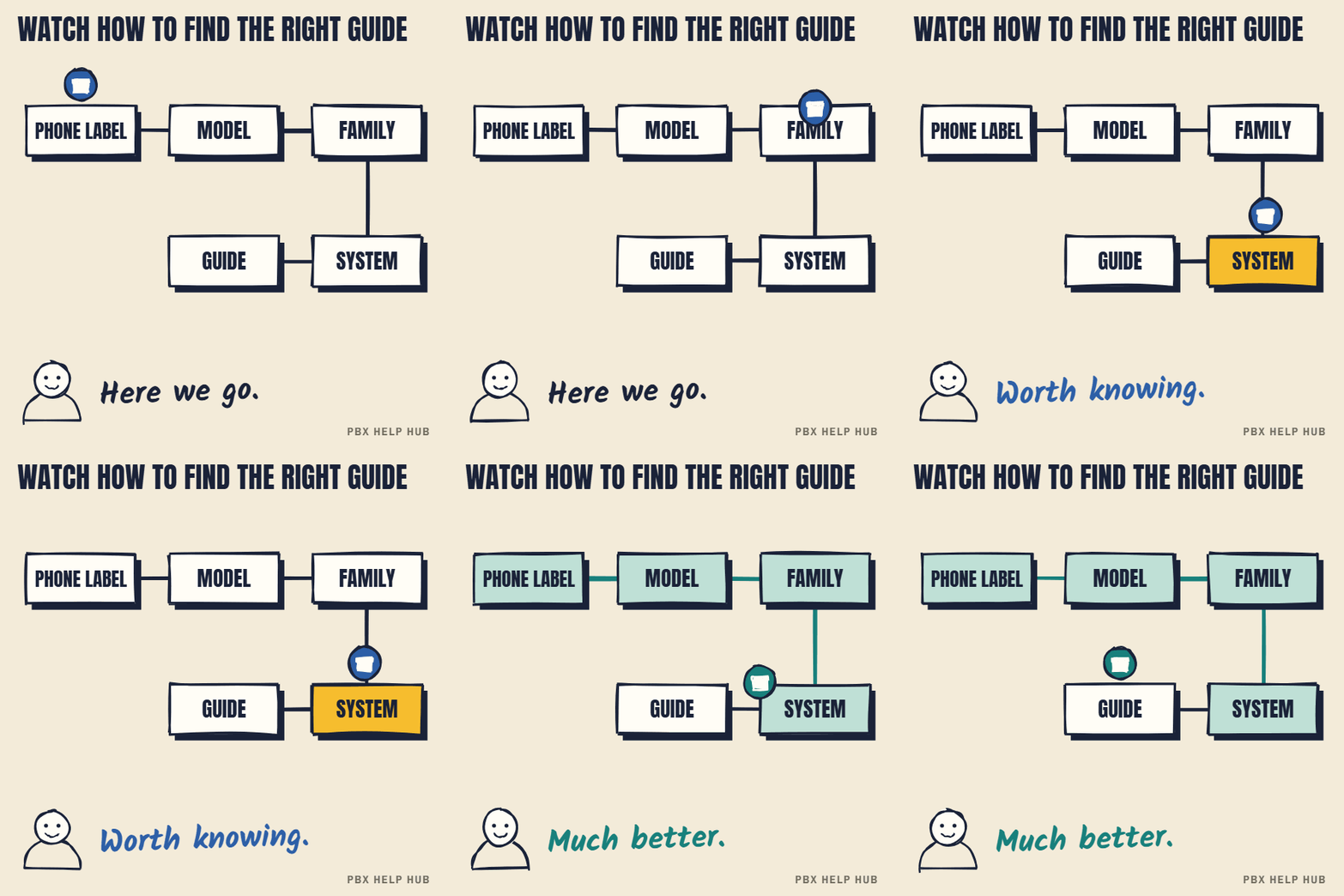
A Mitel desk phone. The model number is on the label underneath, and the keys you need are labelled on the front.
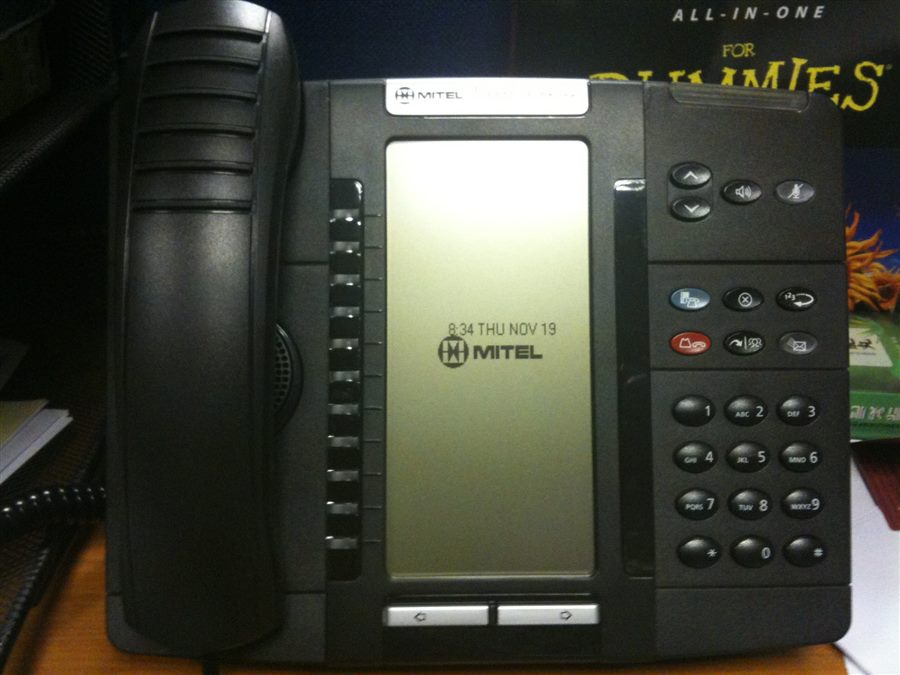
Step 1: read the model number
The model number is usually on a label underneath the phone, and often on the front of the handset as well. Write down the model and the MAC address from the label, because a maintainer will ask for both. If the label is worn, check the phone's settings or status menu for phone information.
- Turn the phone over and read the label, without unplugging it if you can.
- Write down the model, such as 5312, 5320e or 6940.
- Write down the MAC address for your phone register.
- Find out which Mitel system you have, from your maintainer or last invoice.
- Open the user guide that matches both the phone and the system.
Step 2: match the phone to its family
Most Mitel desk phones in UK offices belong to one of a few families, and one guide often covers a whole family.
| Family | Examples | How to recognise it |
|---|---|---|
| 6900 series | 6920, 6930, 6940 | Current colour-screen desk phones |
| 5300 series | 5304, 5312, 5320, 5320e, 5330, 5330e, 5340, 5360 | Very common IP desk phones; the "e" models are later versions |
| 5200 series | 5212, 5224 | Older IP desk phones |
| 8500 series digital | 8528, 8568 | Digital phones, often on MiVoice Office 250 |
| DECT cordless | 600 and 700 series, such as 742d | Cordless handsets for warehouses and shop floors |
Step 3: choose the right system
Mitel sells several phone systems, and many features come from the system rather than the handset. Feature codes, softkeys and voicemail steps can all differ between them. Check your maintenance invoice, or ask your maintainer, before you rely on a guide.
| Your system | Search for |
|---|---|
| MiVoice Office 250 | "[model] user guide MiVoice Office 250" |
| MiVoice Business | "[model] user guide MiVoice Business" |
| MiVoice Connect | "[model] user guide MiVoice Connect" |
| Not sure | Ask your maintainer first |
Mitel publishes product documentation in its Document Center ↗. Some documents may need a partner login, in which case your maintainer can send you a copy.
Everyday tasks on a Mitel phone
Most everyday tasks use a labelled key or a softkey on the screen, so look there before searching for a feature code.
| Task | Usually |
|---|---|
| Transfer a call | Press Transfer, dial the number, then hang up or press Transfer again |
| Hold | The Hold key; press the flashing line to return |
| Conference | The Conference key during a call, dial, then Conference again |
| Forward calls | A forward key or the phone's call forward menu |
| Do not disturb | A DND key or menu option, if enabled |
| Voicemail | The Message key, or the voicemail number from your administrator |
| Ring volume | The volume keys while the phone is ringing or idle |
Steps vary by model and system.
Why the 5320 and 5320e guides overlap
The "e" models are later versions of the same phone, so their everyday use is broadly the same. People search for the 5320e, 5330e and 5312 manuals separately, but one 5300-series guide for your system usually covers them. Look for your exact model in the guide's list of supported phones.
When the manual won't help
If your phone doesn't ring, the fault is usually a setting on the system, not how you're using the phone. Work through Mitel phone not ringing first. If the phone won't start, the network is the likely cause: see Voice VLANs and DHCP for desk phones. If your system is ageing, Mitel MiVoice Office 250: support status explains what support status means for you.
Common questions
Where can I find a Mitel 5320 manual?
Mitel publishes guides in its Document Center. Look for the 5300 series user guide for your system. If a document needs a partner login, ask your maintainer for a copy.
Is the Mitel 5320e guide different from the 5320?
Everyday use is broadly the same. Check that your exact model appears in the guide's list of supported phones.
How do I transfer a call on a Mitel phone?
On most models, press Transfer, dial the number, then hang up or press Transfer again. Steps vary by model and system.
How do I forward calls on a Mitel phone?
Use a forward key or the phone's call forward menu, then check the display shows it's on. Steps vary by model and system, so follow your user guide.
What Mitel system do I have?
Check your maintenance invoice or ask your maintainer. Common ones include MiVoice Office 250, MiVoice Business and MiVoice Connect.
Sources
Last checked 9 November 2026 against the sources listed here. Menus and defaults can differ by software release, so confirm them on your own system. Spotted a mistake? Tell us.